
Human judgment doesn't leave the software factory. It relocates.
A field guide to building a software factory that still has an owner.
You can find my latest AI engineering articles on Substack, leadership on LeadDev, or browse my topic guides and personal blog posts below.
A field guide to building a software factory that still has an owner.

Goals, loops, and the discipline of not delegating your judgment

Quality now depends on the constraints you set around your agents.

A software factory is harnessing loops at scale - the system that builds your software instead of you. You can run the loop with humans in it (light factory) or you can ignore t...

Engineers need to own the outer loop, the accountability for these systems. A written version of my AI Engineer World's Fair 2026 closing keynote: quality, verdict, and answerab...

Taste used to be a byproduct of the reps. Agents took the reps. So if you're junior you now have to go get the taste and judgment on purpose. A builder's look at the weakening e...

AI gets good at anything with an answer key. Your career is everything that doesn't have one.
The action in agentic engineering has moved from prompting to operating. Autonomy isn't one ladder, it's two axes (agency and orchestration) and six levels you move between per ...

I co-wrote a Google whitepaper about how AI is changing the software lifecycle. I'm not going to summarize the whole thing. Instead, here are the handful of ideas in it I think ...

Coding agents are extraordinarily good now, and getting better fast. The interesting consequence is that the hard part of engineering moved from writing code to deciding whether...

You don't really need to be good at prompting anymore. The thing to get good at is the loop that does the prompting for you. It's five building blocks plus somewhere to keep not...

Technical debt lives in your code. Cognitive debt lives in your head. Intent debt lives in the artifacts you may have never wrote: the goals, constraints, and rationale for why ...

Starting more agents is easy now. However, more agents running doesn't mean more of you available - your cognitive bandwidth doesn't parallelize. All the judgement to actually s...

Right now, it's too easy to let AI write the code while you skip the learning. The bug gets fixed. Your mental model doesn't move. We are silently trading future capability for ...
Cognitive offloading is delegating to the AI and still owning the answer. Cognitive surrender is when the AI's output quietly becomes your output and there is nothing left to ch...
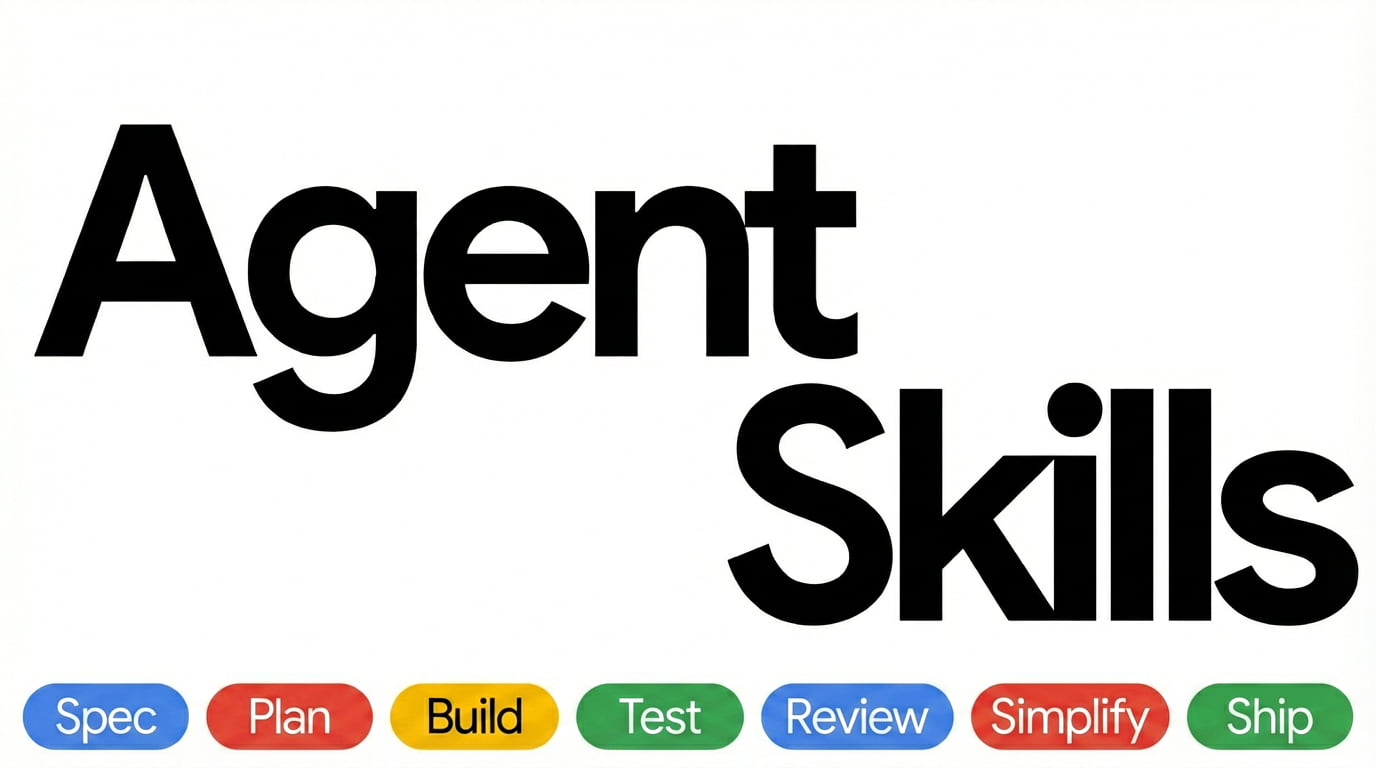
AI coding agents take the shortest path to done, which usually means skipping the specs, tests, and reviews that make software reliable at scale. Agent Skills encodes those seni...

A long-running agent can keep making progress over hours, days, or weeks. It can do this across many context windows and sandboxes, recover from failure, leave structured artifa...

A coding agent is the model plus everything you build around it: prompts, tools, context policies, hooks, sandboxes, feedback loops. Harness engineering is the discipline of tre...
AI coding agents consume documentation fundamentally differently from humans. If you're still optimizing only for human readers, you're leaving a growing share of your audience ...

Running multiple agents in parallel is not just a question of throughput. It is a new kind of cognitive labor that requires managing multiple mental models, continuous judgment ...

The shift from conductor to orchestrator: how to coordinate teams of AI coding agents in real-world software workflows. From subagents to Agent Teams to purpose-built orchestrat...


Software engineering is not about writing code anymore. It is about building the factory that builds your software.

Two papers published in early 2026 suggest you might have just made your agent slower, more expensive, and no more accurate. The right mental model is to treat AGENTS.md as a li...

Practical strategies for engineering careers in the future
A field guide and why we need to rethink our expectations

Engineering with user empathy is the foundation of great products

How to thrive in imperfect conditions
Navigating comparison with mindfulness

Actionable advice for empowerment

My lessons learned along the way.
Extending your influence past your immediate circle isn't as straightforward as you'd like to hope. But there are a few strategies you can employ to help.
Building a tech strategy requires a lot of moving parts. Learn about what routes to take and whether decisions should be top-down.
With so many developments in the tech world it's difficult to keep up. Here are some strategies to stay on top of your upskilling.
How can you prioritize when everyone's ask is an urgency and you don't have time to fit it all in?
It's time to examine the good, the bad, and the very ugly elements of context switching. Even better, we'll take a look at some strategies for managing it.
Software engineering teams should focus on outcomes over outputs to deliver the best user and business value.
Being a good software engineer is not necessarily the same as being an effective one. Here, Google's Addy Osmani identifies the ten key traits of effective software engineers.